Hecate Admin
The authoring authority for Hecate profiles — iPhone & iPad.


Hecate Admin is the companion to the capture app. Where the capture app follows a profile, the admin app is the authority that creates, validates, versions, publishes and retires those profiles — and sets up the broker connection that carries them.
A profile is the configurable workflow of scans and fields that tells the capture app what an object is and how to record it. Hecate Admin is where that profile is written, checked, and governed.
In one minute
- Author profiles. Define the steps, fields, capture rules and per-profile accent that shape a capture workflow — no code, no new app build.
- Validated before publish. A profile is checked against its schema and versioning contract so the capture app never receives one it would silently drop.
- Safe versioning. Versions stay monotonic; a "revert" is a republish under a higher version, never a rollback — so devices can't be downgraded.
- Broker-only. Profiles are published as retained MQTT messages; to retire one, its retained message is cleared. No server, no second network dependency.
- Credentials stay put. The admin broker credential lives in the device Keychain and is never written to a profile, a provisioning QR, a log, or anywhere it could leak.
- No telemetry. The admin app collects no location, no usage analytics, and no tracking of any kind.
Screenshots
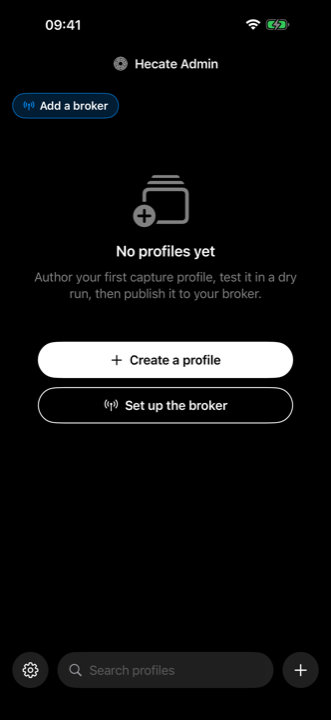
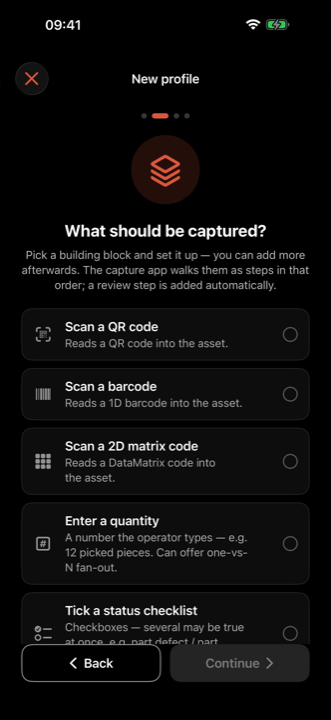
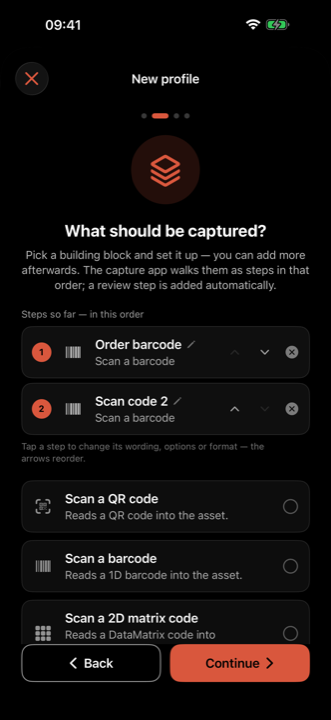
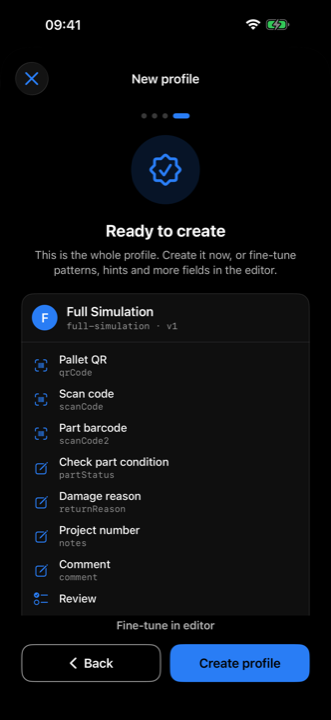
Two screens carry this app: the profiles home, which lists what is published and what is being worked on, and the wizard, where a workflow is assembled from building blocks. The steps line up in the order operators will walk them, and nothing is published before it has been reviewed.
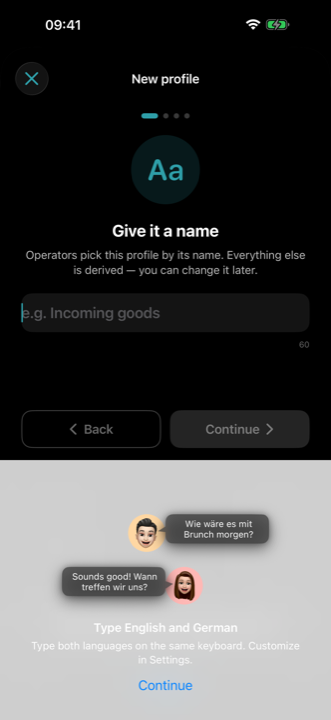
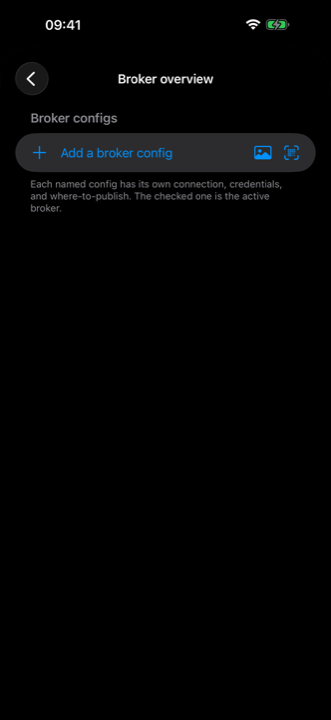
Screens come from development builds. Some may show features that require a subscription or arrive in a later release — what the free tier includes today is listed under Free & Pro.
How profiles reach devices
The admin app publishes each profile as a retained message at
<configPrefix>/profiles/<id> (default hecate/config). The retained flag lets
a device that connects later still receive the current profile; the capture
app applies it only when its version is strictly newer than the one it holds. To
retire a profile, the admin app clears that retained message, and devices
drop it on their next reconciliation.
Design identity
Hecate Admin shares the capture app's visual language: strict black-and-white chrome with no global brand colour — the only colour is each profile's own accent, which follows it through its row, swatch and detail card. The mark is the shared Strophalos.